
Setup
Samsung & LG Smart TV IPTV: Native Apps, No Extra Box
SmartFlix runs on Samsung and LG with IBO Player, Smart IPTV-class apps, or a $25 Firestick if you want TiviMate.
Setup · 2026-08-02
Downloader, TiviMate, Xtream login, EPG on. The same path works whether you searched SmartFlix IPTV or SmartiFlix Firestick.
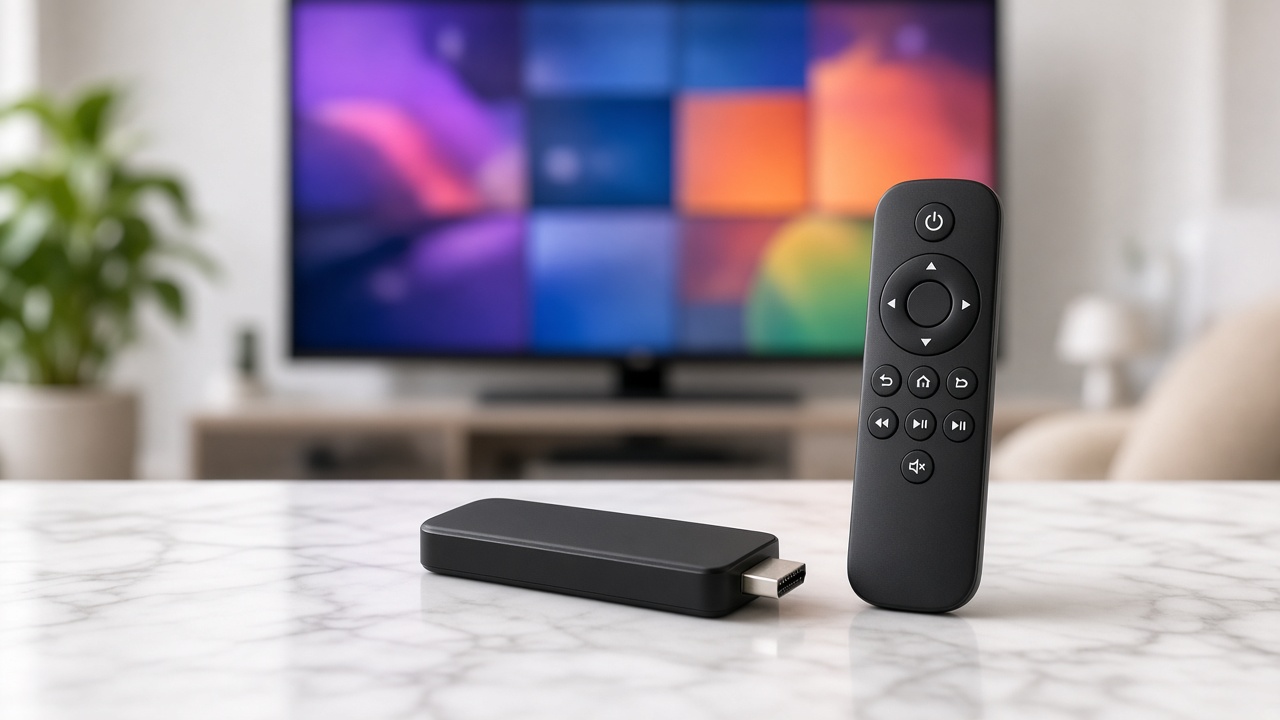
Amazon Firestick (Fire TV Stick 4K / 4K Max) is still the default USA device for an IPTV subscription. SmartFlix credentials are Xtream-compatible, so TiviMate is the player we recommend for the living room.
A SmartFlix IPTV trial or paid plan, the Firestick on Wi-Fi or Ethernet, and about eight minutes. Your welcome email has host, username and password. Downloader is in the Amazon Appstore if you still need to sideload TiviMate.
1. On the Firestick, open Downloader if you are installing TiviMate. 2. Open TiviMate → Add playlist → Xtream Codes. 3. Paste the SmartFlix host, username and password. 4. Turn EPG on and wait for the guide to fill. 5. Favorite local news, NFL/NBA, kids. 6. Hide adult folders in settings if this is a family stick.
It is usually DNS or a weak mesh hop, not the account. Set DNS to 8.8.8.8 or 1.1.1.1, or move a mesh node next to the TV. For 4K UHD, aim for 50 Mbps on a speed test run from the stick itself.
IPTV Smarters Pro also accepts the same Xtream login if you prefer it. MAG boxes use the MAG portal URL from the same email. Full device notes live on the Firestick setup page. WhatsApp walks the remote with you if a code error appears.
Keep reading

Setup
SmartFlix runs on Samsung and LG with IBO Player, Smart IPTV-class apps, or a $25 Firestick if you want TiviMate.
Setup
TiviMate wins on Firestick. Smarters wins on phones. Both take the same SmartFlix Xtream login.

Guides
Channel counts are a sales trick. Here is how to pick the best IPTV provider — and why SmartFlix, SmartFlix IPTV and the SmartiFlix searches all land here.
Start tonight
24-hour trial on your Firestick or Smart TV. Keep the year only if Sunday sports and the movie folder both hold.