
Setup
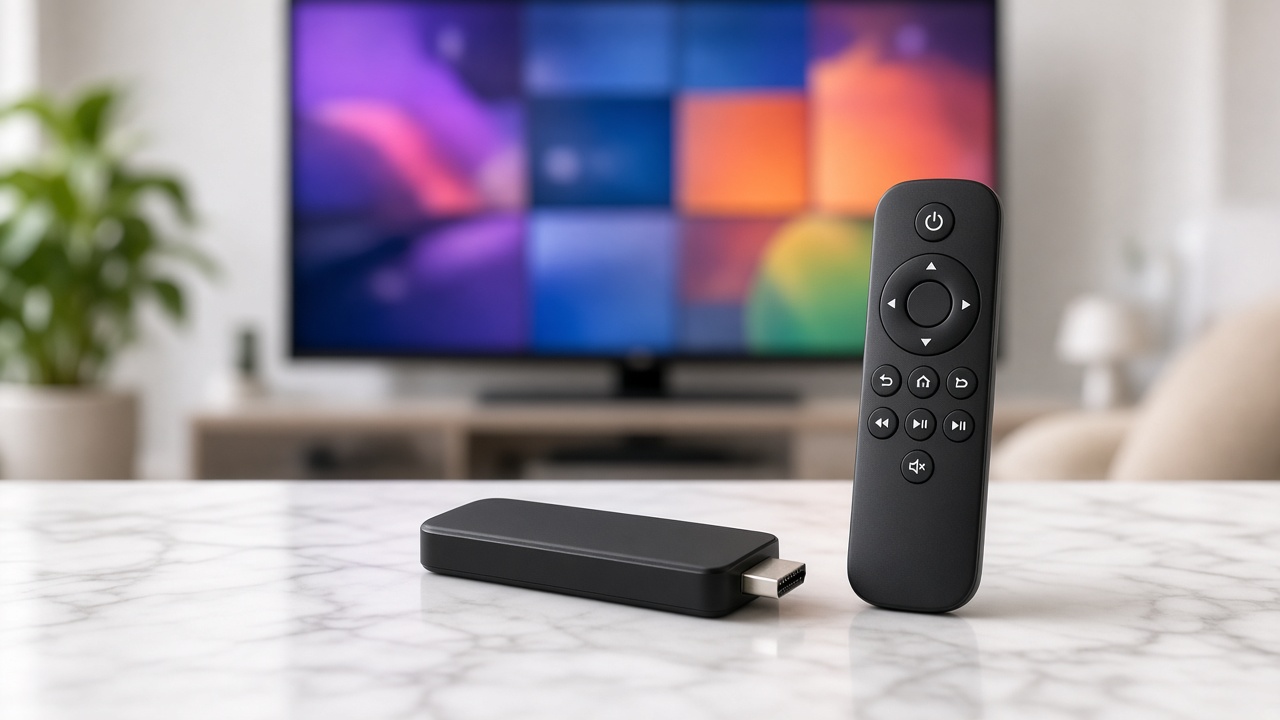
Firestick IPTV Setup for SmartFlix (TiviMate in 8 Minutes)
Downloader, TiviMate, Xtream login, EPG on. The same path works whether you searched SmartFlix IPTV or SmartiFlix Firestick.
Setup · 2026-07-08
SmartFlix runs on Samsung and LG with IBO Player, Smart IPTV-class apps, or a $25 Firestick if you want TiviMate.
You do not need a new TV to run a SmartFlix IPTV subscription. Samsung Tizen and LG webOS both run IPTV players that accept Xtream Codes or an M3U playlist.
IBO Player / IBO Pro is the path most USA customers finish in one sitting. Install from the Samsung app store, choose Xtream login, paste host / user / pass from your SmartFlix welcome email, load EPG, favorite news and sports. Older Tizen years can be picky — a Firestick 4K on HDMI is the clean TiviMate fallback.
Use IBO Player or a compatible LG IPTV player from Content Store where available. If the store in your region hides players, the same Firestick fallback applies. The subscription does not care which HDMI port you use.
4K depends on the TV model, HDMI cable, and broadband — 50 Mbps is the comfort line. Turn EPG on so the guide is not a blank grid. Keep kids in the kids folder; hide adult categories in the player settings.
Ask WhatsApp which route matches your TV year before you fight the store. One SmartFlix login works on the TV, a Firestick, and a phone at the same time if you bought enough device connections.
Keep reading
Setup
Downloader, TiviMate, Xtream login, EPG on. The same path works whether you searched SmartFlix IPTV or SmartiFlix Firestick.
Setup
TiviMate wins on Firestick. Smarters wins on phones. Both take the same SmartFlix Xtream login.

Guides
Channel counts are a sales trick. Here is how to pick the best IPTV provider — and why SmartFlix, SmartFlix IPTV and the SmartiFlix searches all land here.
Start tonight
24-hour trial on your Firestick or Smart TV. Keep the year only if Sunday sports and the movie folder both hold.